Meshtastic on your handheld.
MeshClient is a Meshtastic client for the TrimUI Brick and other NextUI handhelds. Talk to your radio over Bluetooth or USB and keep your phone in your pocket.
Latest release: v2.74.0
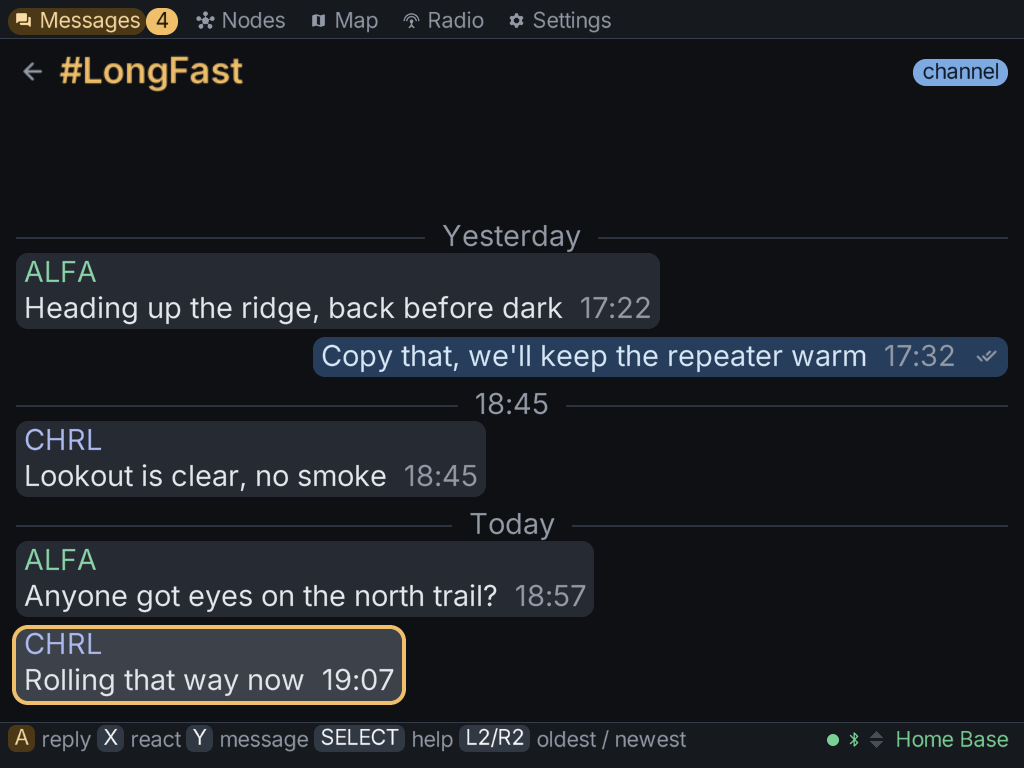
What it does
No phone needed
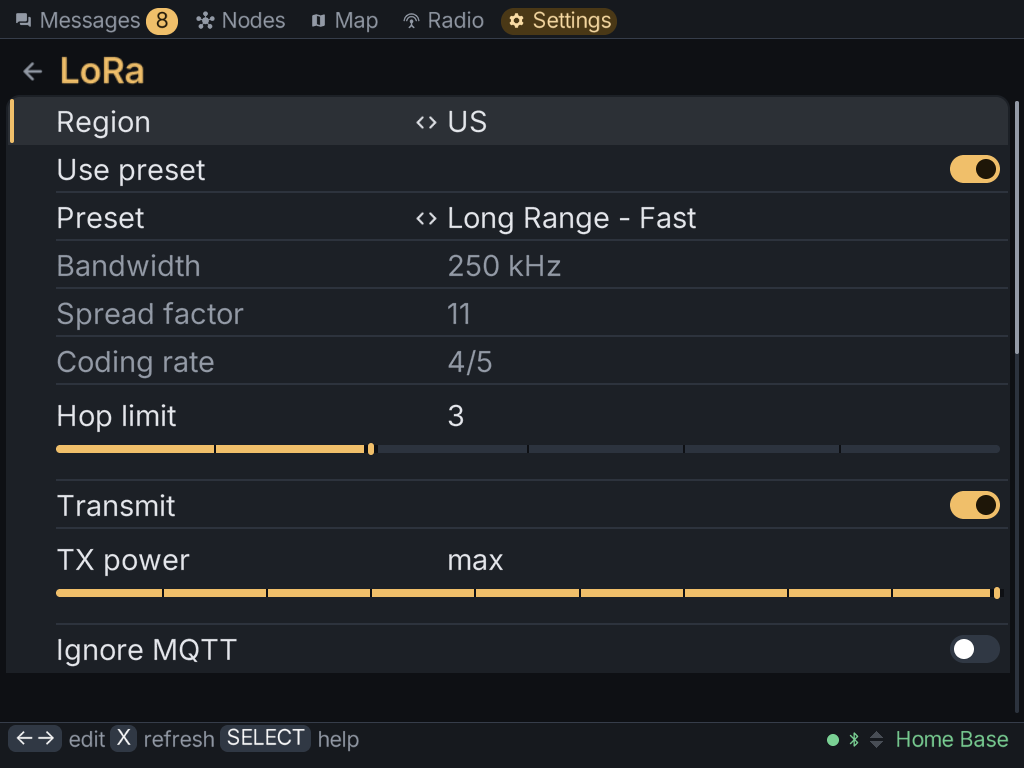
Read and send messages, browse the mesh and edit your radio's settings from the handheld itself.
Bluetooth, USB or network
Pair over Bluetooth LE with PIN entry on the device, plug in over USB serial, or reach a radio over TCP.
Built for a d-pad
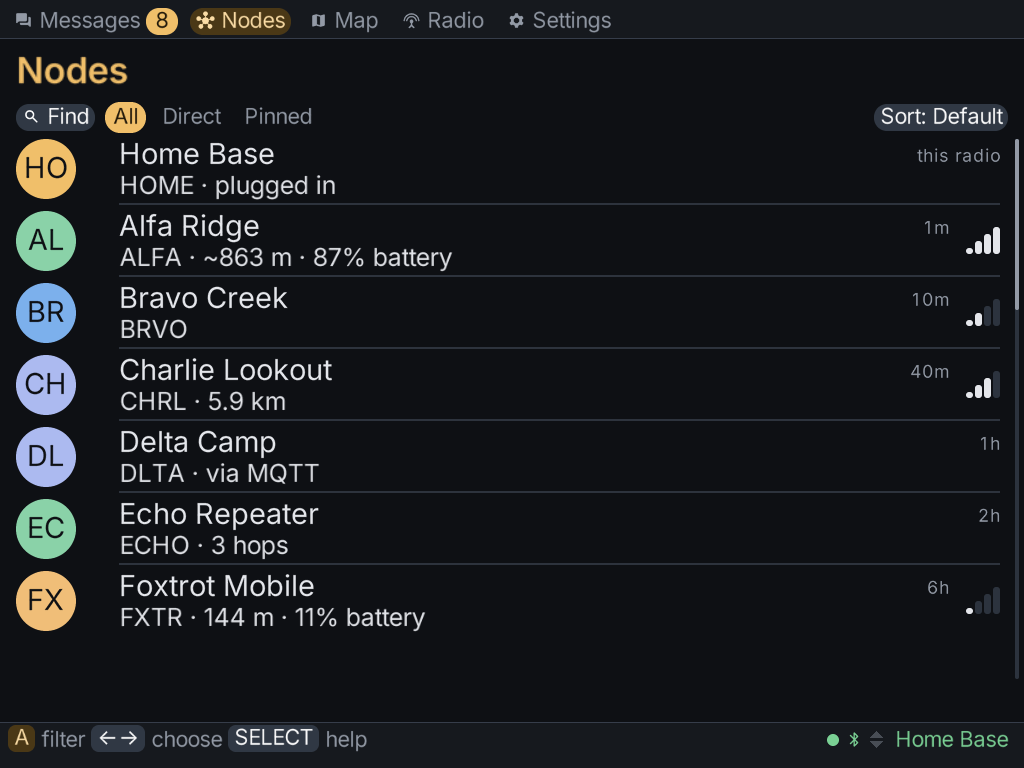
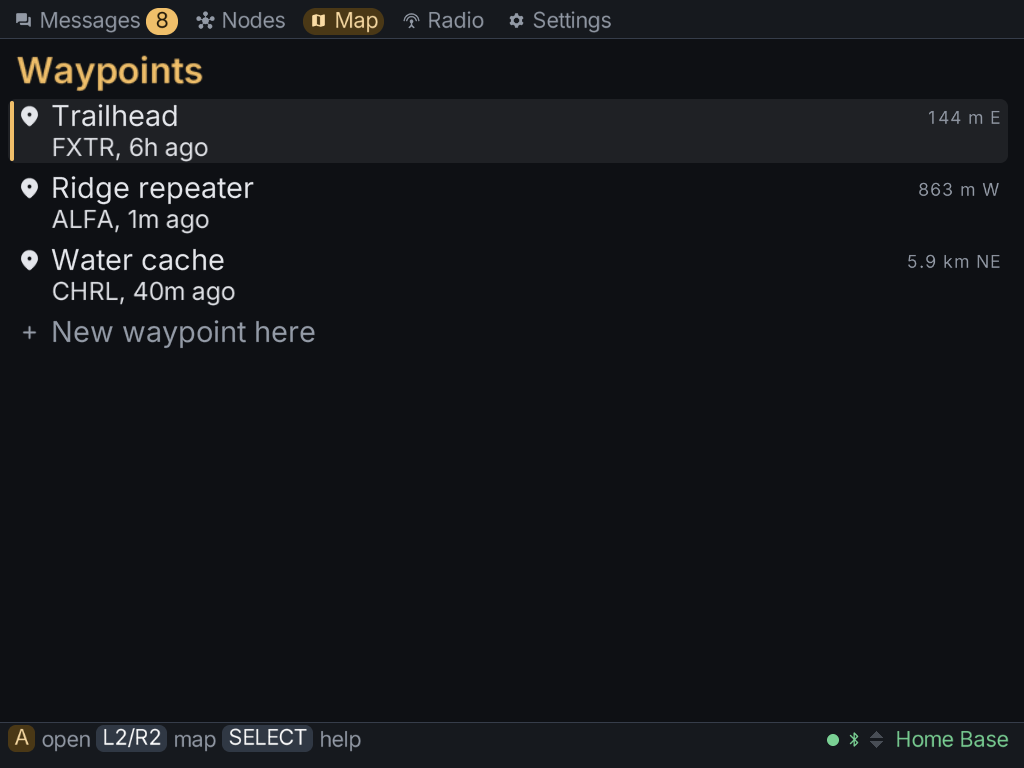
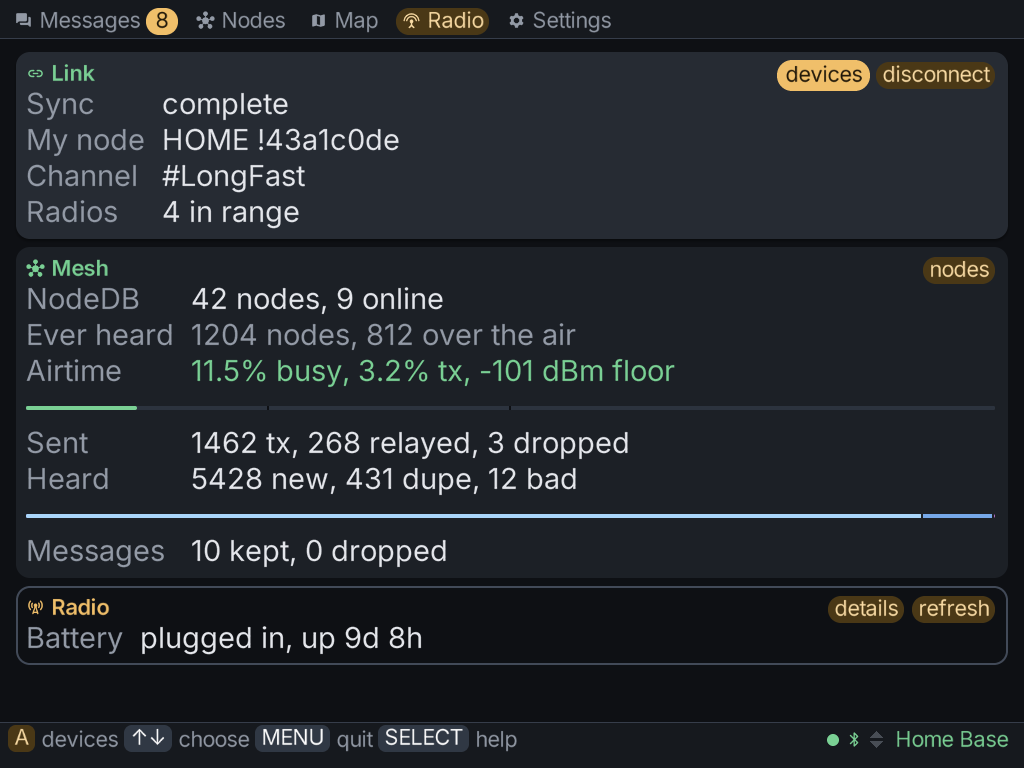
Five tabs - Messages, Nodes, Map, Radio, Settings - all driven by the d-pad and face buttons.
Updates itself
Settings → About checks for a new release, installs it and relaunches, on the Brick and the desktop alike.
Small and native
A single-threaded C program with no runtime to install. The same core runs headless as a static Linux CLI.
Open source
MIT licensed and developed in the open on GitHub.
On the screen
Get it on a Brick
MeshClient is in the NextUI Pak Store. On your Brick, open Tools → Pak Store, find MeshClient under Miscellaneous Tools, and install it. It then appears under Tools.
Rather install by hand, or run it on a Mac, a Windows PC or a Linux server? See the downloads.